OmniPressix is an editor for credit-card-size ID cards, business cards, name badges and labels. It runs on your own computer, is used in the browser and produces print-ready PDFs for card printers, A4 sheets and label rolls.
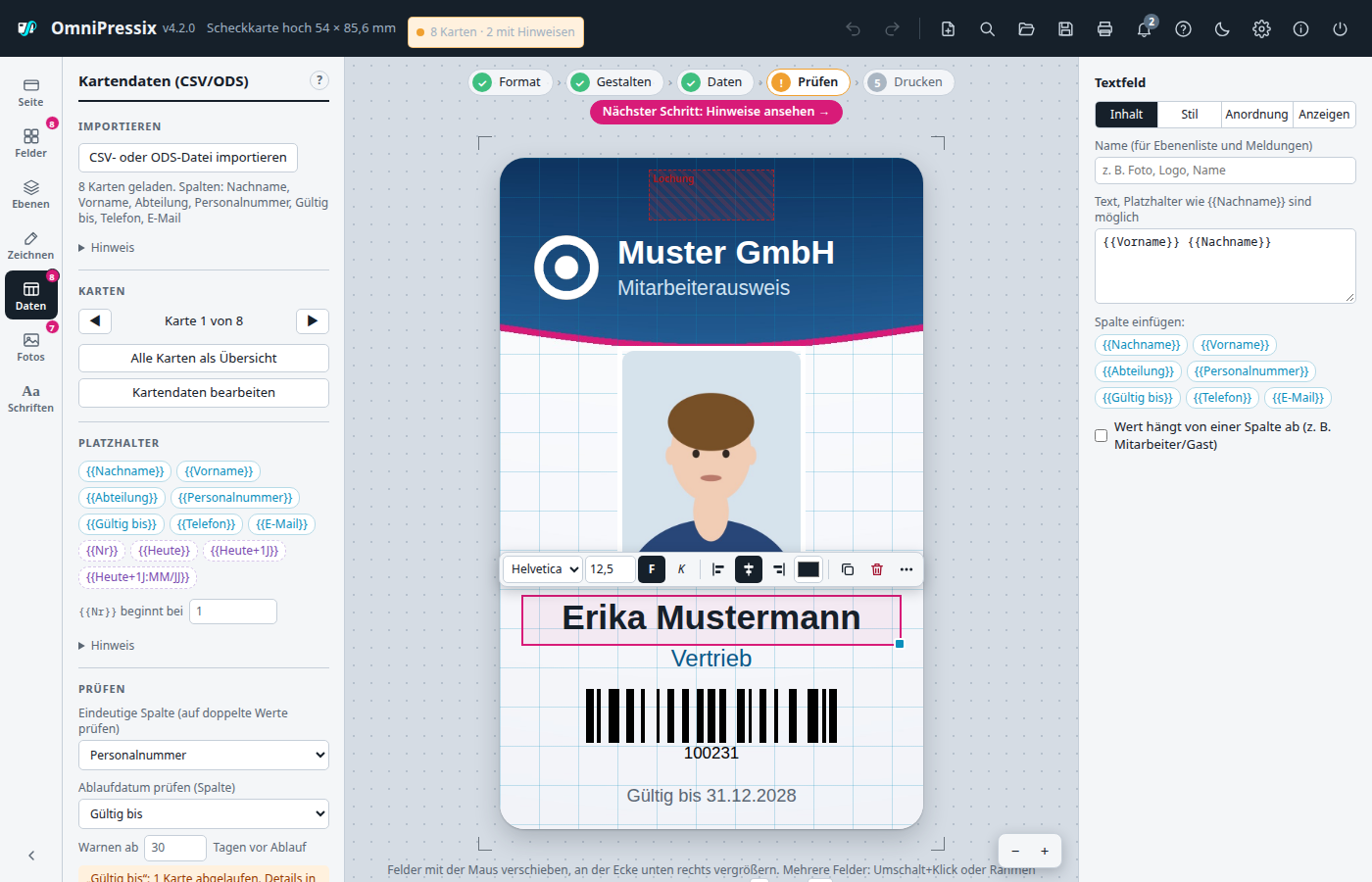
From the first template to the print log for audits – no cloud, no subscription.
Text with your own fonts, barcodes (Code 128, EAN, Code 39), QR codes with a vCard wizard, DataMatrix, PDF417, shapes, background images and keep-out zones for chip and magnetic stripe.
Load CSV or a LibreOffice spreadsheet; placeholders like {{Nachname}}, running number and date, formats like {{Nachname|gross}}.
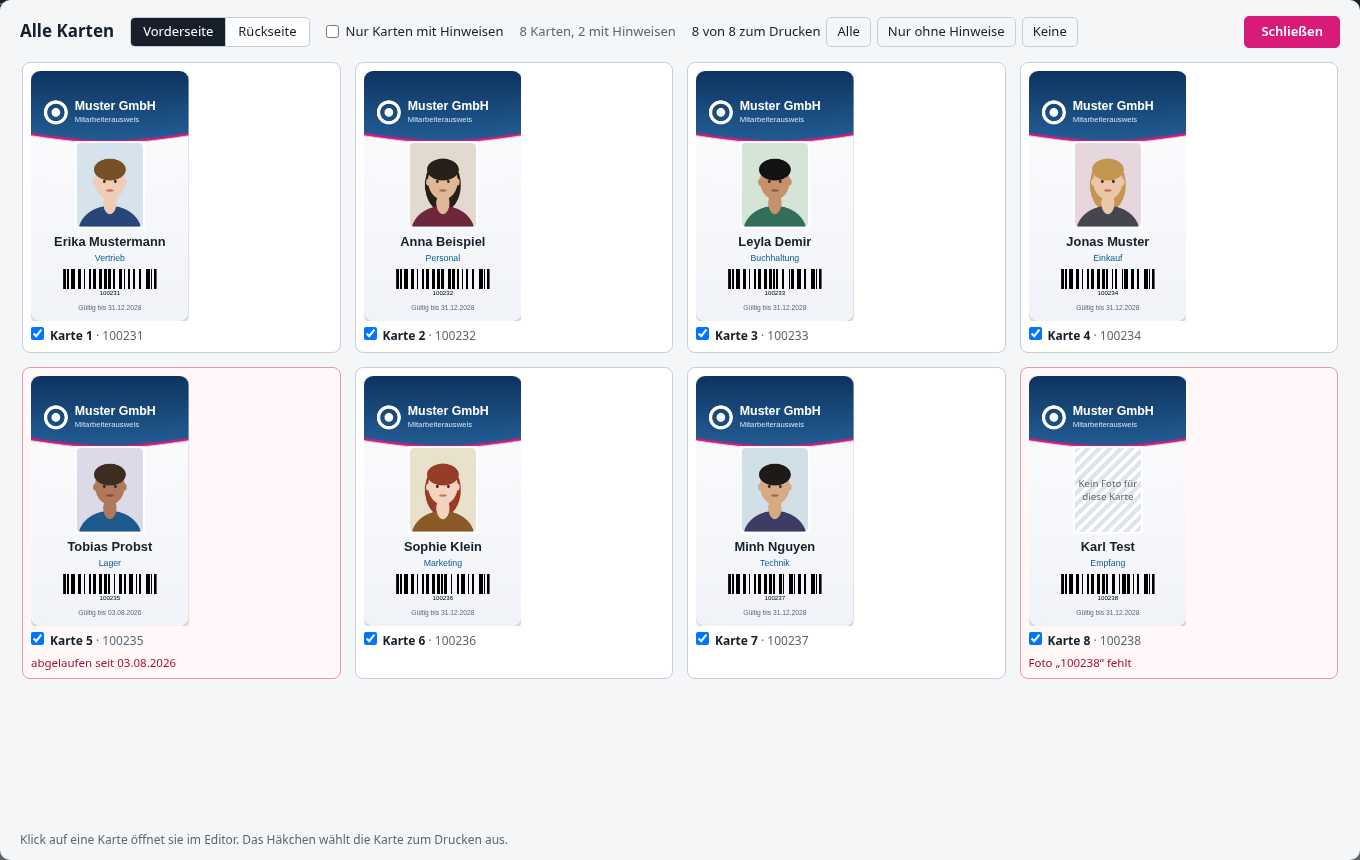
Duplicate numbers, empty values, missing photos, invalid codes, expiry dates and overlong text are flagged before you print.
Photos per card, as ZIP or straight from the webcam. Auto-align to the face, unify the background.
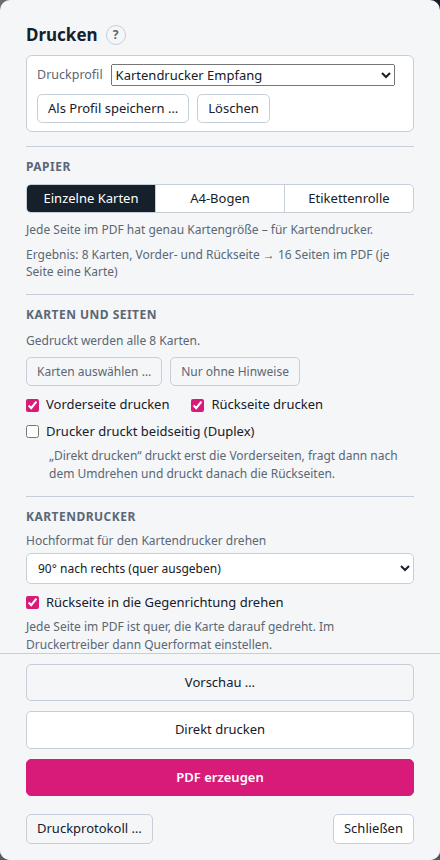
PDF at card size, A4 sheet with crop marks, label sheets and rolls (Zebra too), duplex, print offset, cut contour.
Shared templates, server mode in a Docker container with LDAP or Active Directory login, photos per user.
Who printed which card and when? Warning before duplicate prints and CSV export for audits.
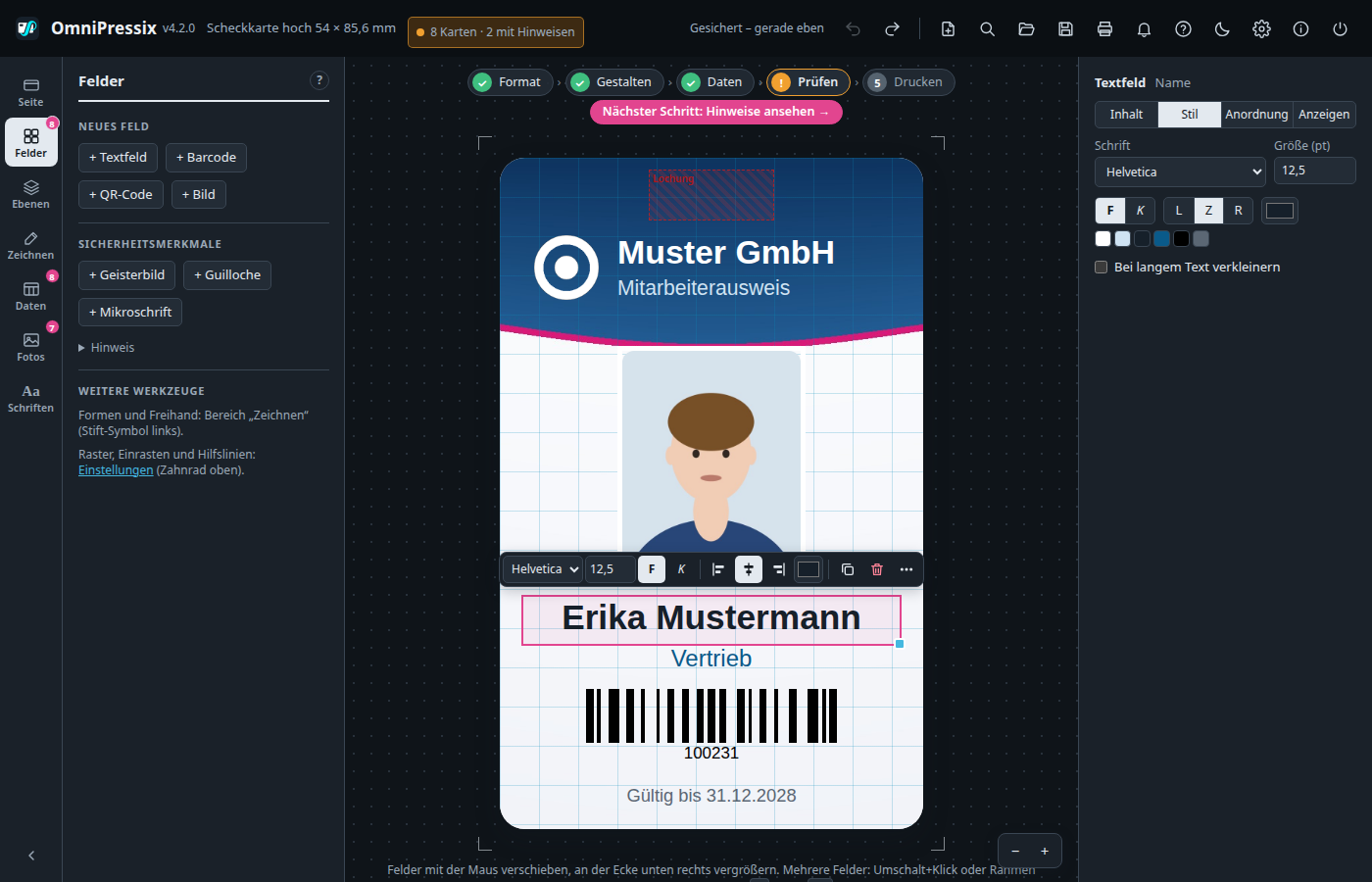
Light and dark theme, full keyboard control, command search with Ctrl+K, help with F1, German and English interface.
AGPL-3.0-or-later. No account, no telemetry: your card and personal data stay with you.
The progress bar guides you through five steps and ticks off what is done.
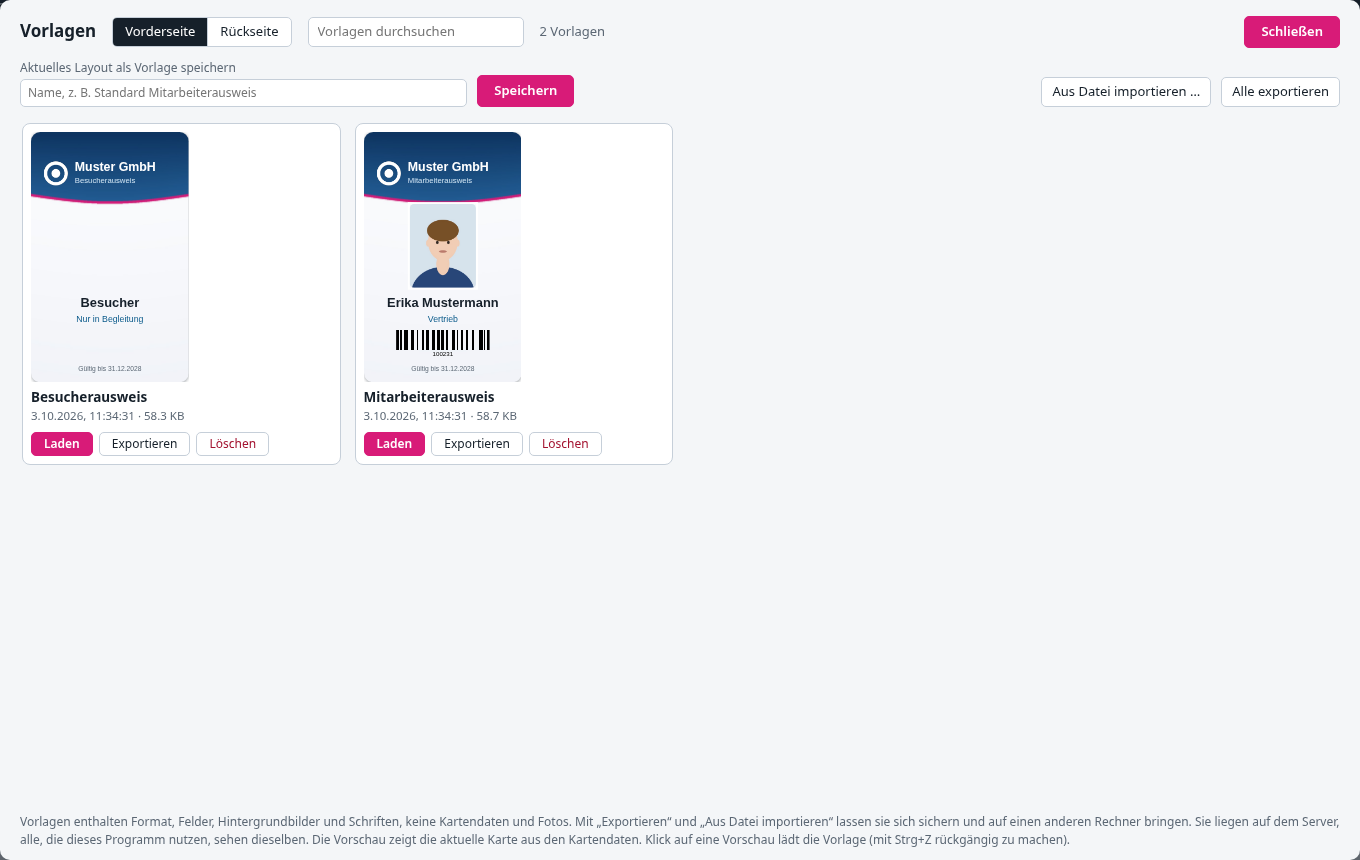
Start from ready-made templates: staff ID with chip, business card with vCard, name badge, membership card, visitor pass, voucher card or customer card.
Load a table; the overview shows every card with all its warnings. Print only checked cards or reprint single ones.
Light or dark – the interface can follow your system.
Card printers, laser printers with cutting sheets, label printers – one editor for all.
Try OmniPressix with the shared demo account. Demo data stored on the server is deleted daily at 04:00 and 16:00 (Europe/Berlin). Please do not enter real personal data.
demodemoOne file, no installer needed – or as a server for the whole office.
Ready-made builds for Windows, Linux, macOS and FreeBSD on the releases page. Start it and the editor opens in your browser.
Its own window instead of a browser tab, as a Flatpak for any Linux distribution.
Several users on the company network, login via LDAP or Active Directory, HTTPS.
Go to downloads Documentation (German)
go run . # http://127.0.0.1:8080
cd docker && docker compose up -d --build OmniPressix